
You’ve decided to book a documentation audit, or you’re seriously considering it. Before moving forward, it helps to know what’s involved on your end.
The short answer: not much.
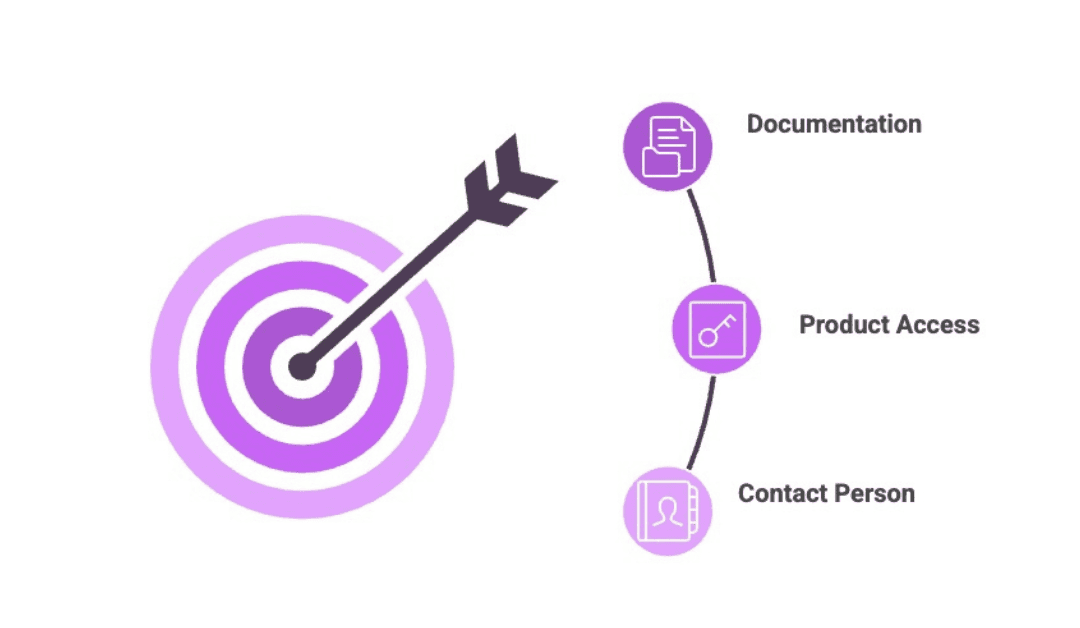
There are a few practical things to sort out before the engagement starts. The main thing is making sure I can see the full picture before I start. Once the right access is in place, the audit can begin.
There’s no heavy kickoff process, no weekly meetings, and no expectation that you’ll be available throughout. Once I have access to the right materials, I do most of the work independently.
Give access to your current documentation
I look at the documentation as it exists today, not just the parts that are easiest to find. The goal isn’t to criticize everything you have. A good audit also shows what’s already working, so you don’t waste time rebuilding the parts that are doing their job.
The more context I can see, the better. That usually means more than the public help center or knowledge base.
Depending on your setup, this might include:
- Customer-facing guides
- Admin guides
- Installation guides
- Quick start guides
- Release notes
- API documentation
- Any internal documentation your team uses
- Any blog or video content that covers product functionality
Also flag anything that lives outside the official knowledge base: Notion pages, Confluence spaces, shared Google Docs, or Word files that never got migrated. If your documentation is scattered across several platforms, that itself is worth noting. It’s part of the picture.
If something on this list doesn’t exist, don’t worry. Gaps in coverage are part of what the audit looks for.
Give access to your product or platform
I also need access to the product itself. Not the documentation about it, but the actual product.
Documentation is supposed to reflect how the product works. But without checking the product directly, there’s no reliable way to see where the documentation and the product have drifted apart. That might mean undocumented features, missing workflows, or areas of the product that grew faster than the documentation. Product access is what makes those gaps visible.
Name a contact person
During the audit, I may have questions. There might be areas of the product I need to understand before I can assess whether the documentation covers them properly.
Nominate someone who can answer those questions without a long delay. It doesn’t have to be the founder. In fact, for many teams, it shouldn’t be. The right person is whoever has the clearest understanding of how the product works and how customers use it.
That might be a product manager, a senior engineer, or someone from customer support. There’s no single right answer.
What to expect
The audit takes 2 to 3 weeks. At the end, you get a written report and a prioritized roadmap. Not just a list of problems, but a clear picture of what’s working, what’s getting in the way, what to fix first, and why it matters.
We go through it together on a call.
Most clients say that call is the first time they’ve had a complete, honest view of what their documentation actually contains. For most teams, that’s also when the work starts to feel manageable, because they finally know what to keep, what to improve, and where to focus first.
Ready to get started?
If your documentation feels scattered and you’re not sure where to start, a documentation audit gives you the full picture before you commit to rewriting anything.